Science Explorer
Zotero
What is Zotero
Zotero is a free, open-source research tool that helps you collect, organize, cite, and share references.
How it works with SciX
When you are viewing search results or a specific paper in SciX, you can use the Zotero browser extension to automatically extract the metadata of the paper(s) and save them directly to your collections.
Our team contributes to and maintains the Zotero translators for SciX data to ensure the highest accuracy. If you encounter any issues using Zotero with SciX, please contact us directly.
Getting Started with Zotero
To use Zotero, you will need to:
- Download the Zotero app for your desktop or mobile device.
- Install the Zotero Connector extension for your browser.
For more details, visit the Zotero’s support page.
How to save search results to your collection
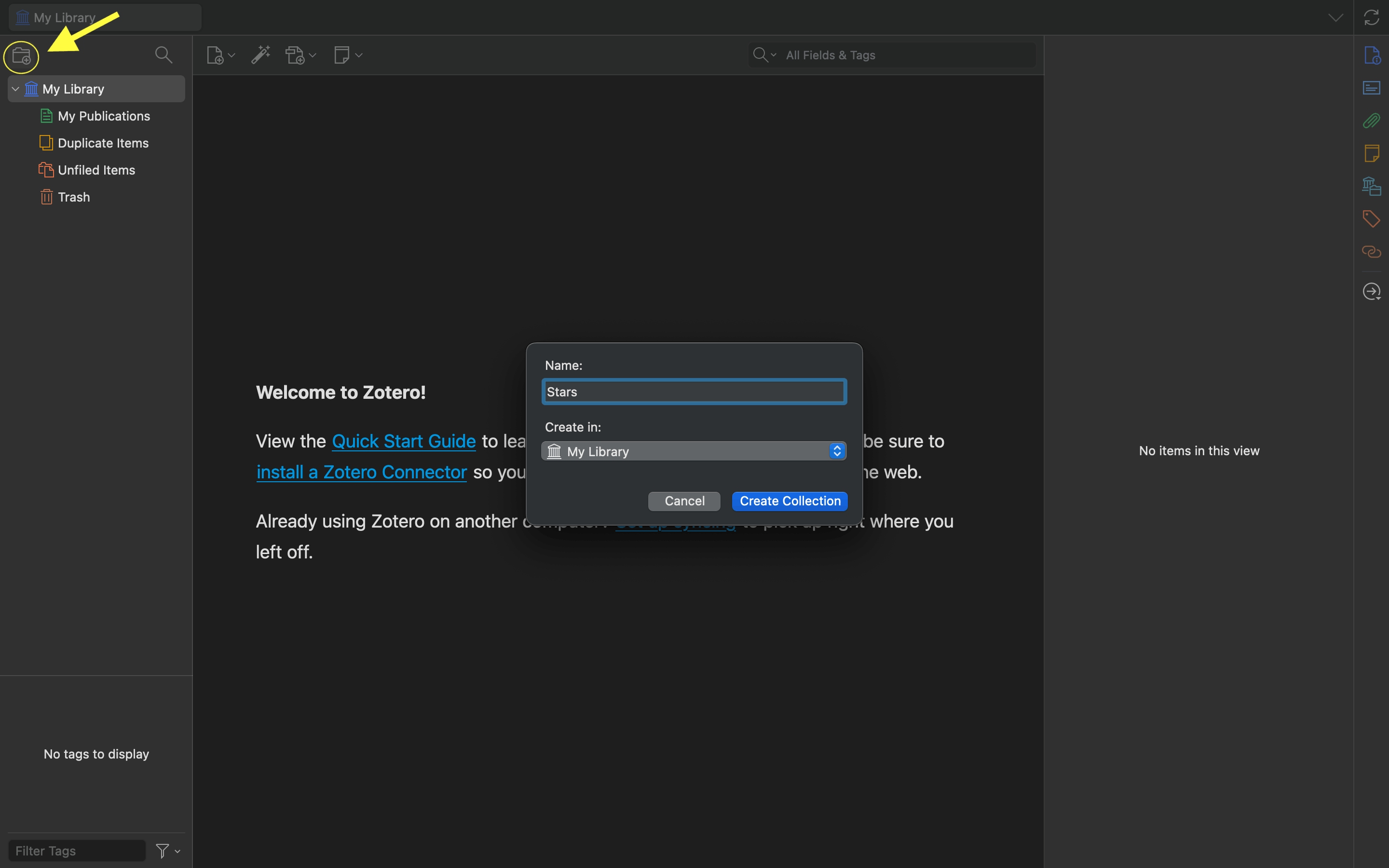
Open the Zotero app and create a new collection
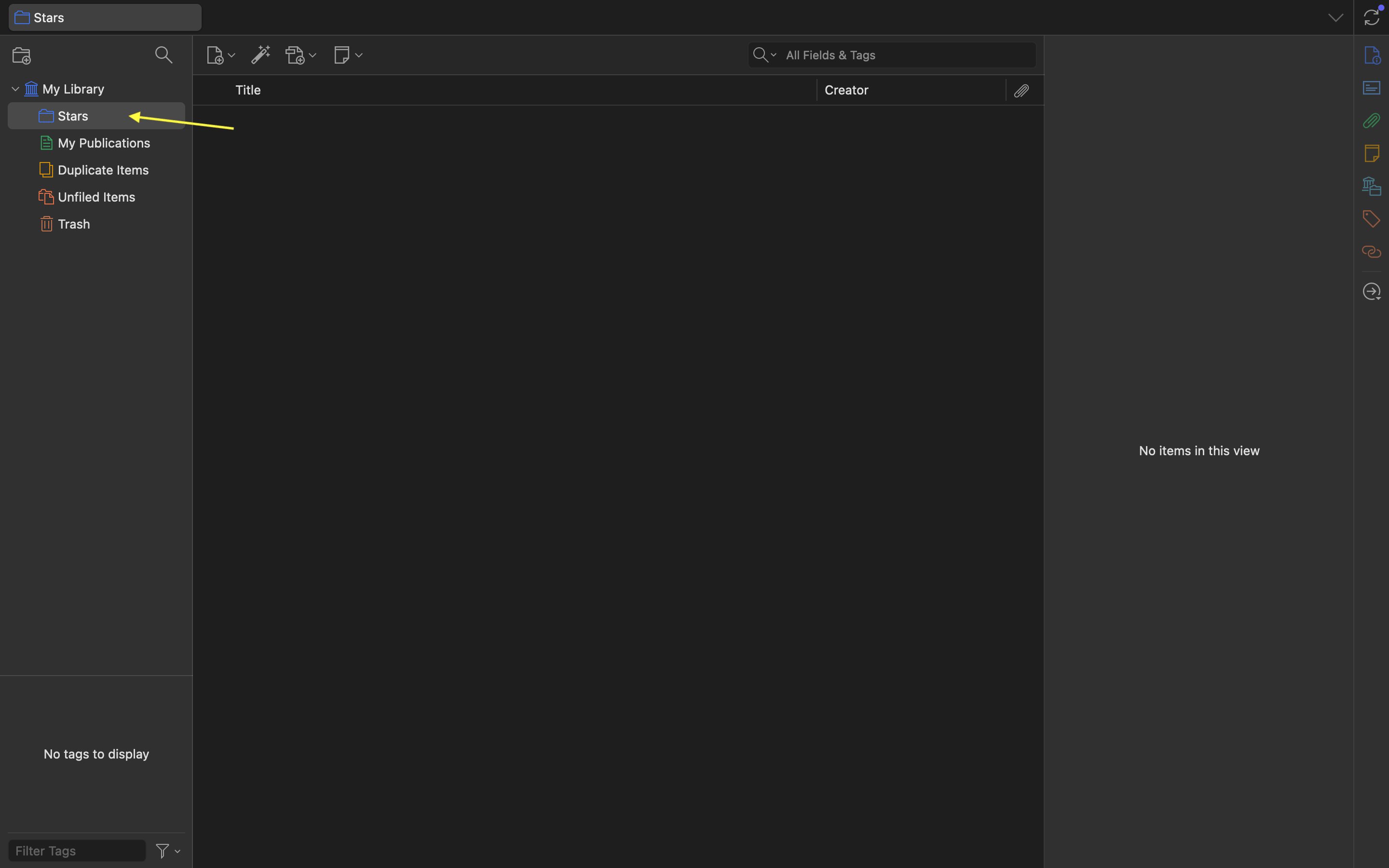
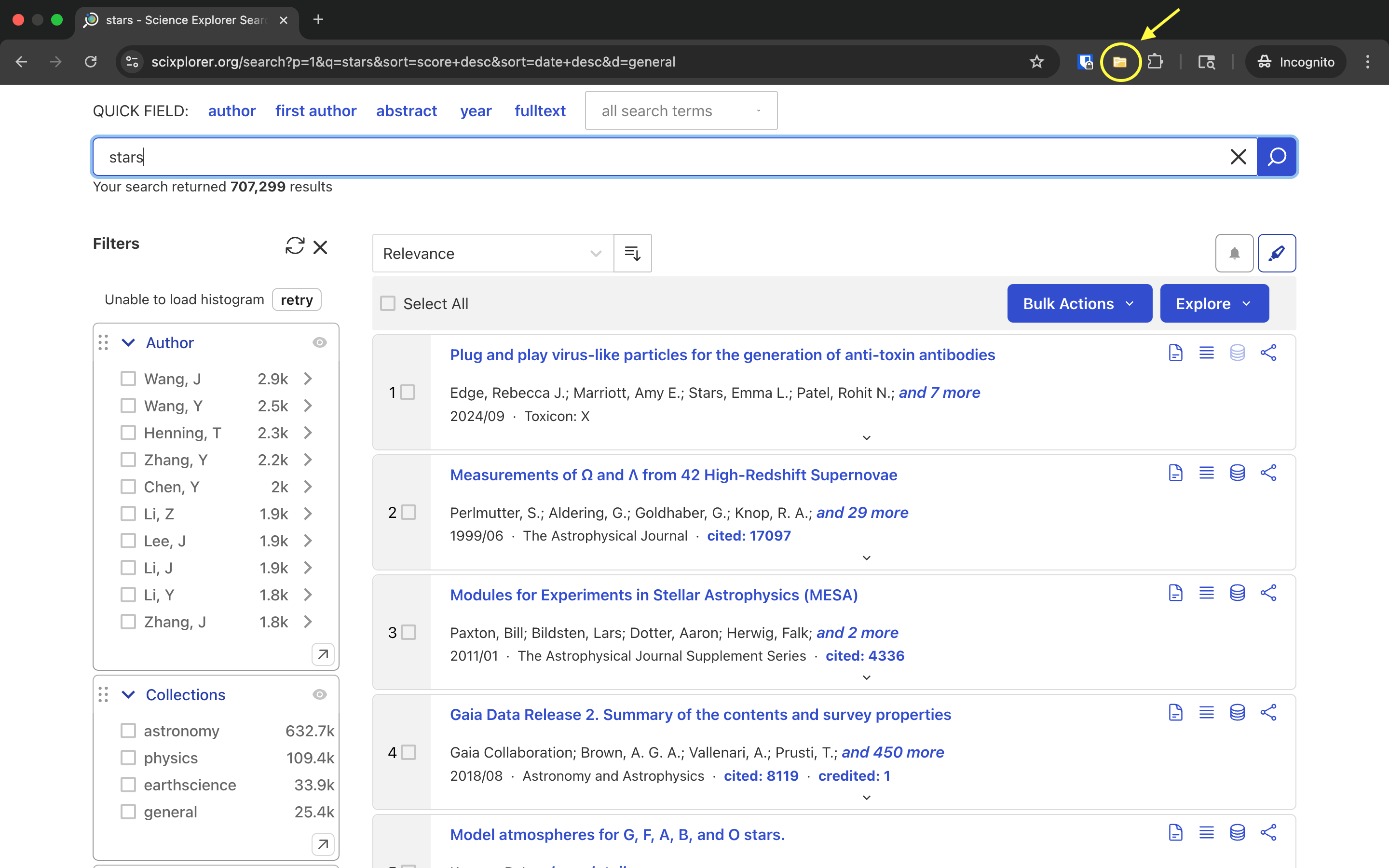
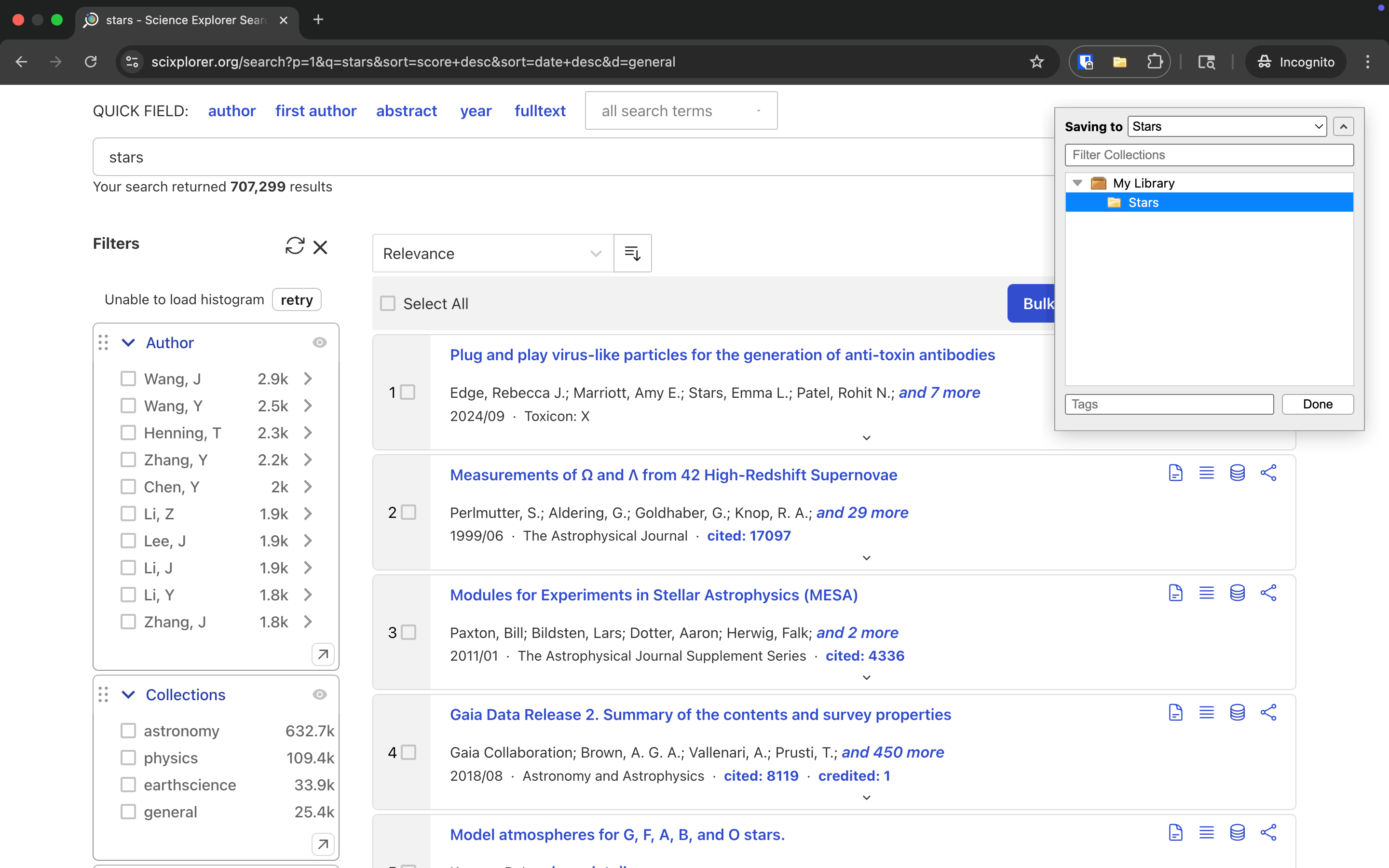
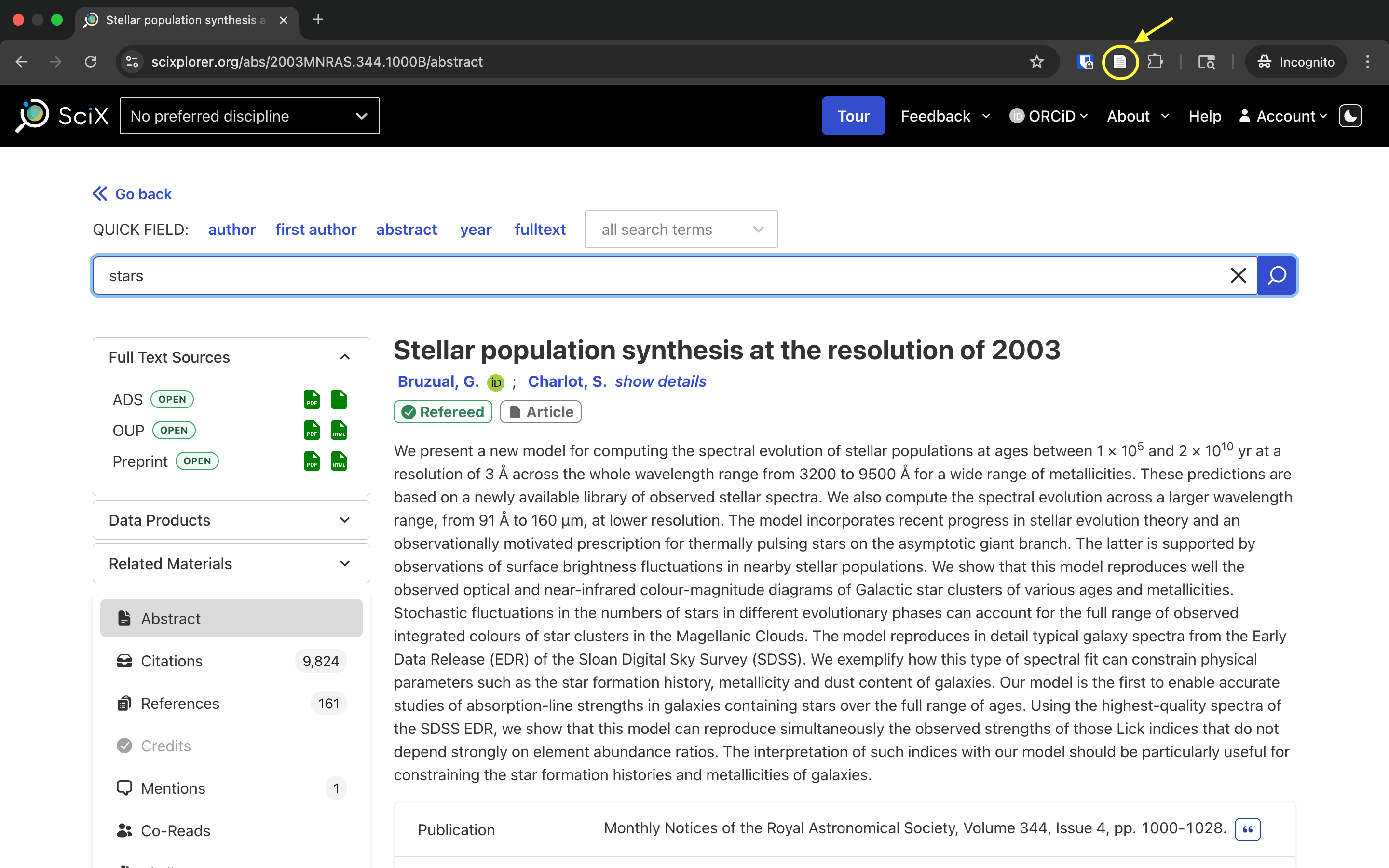
Perform a search in SciX, and click on the Zotero extension
Zotero extension opens a dialog box within the page, and an external window, the “Zotero Item Selector”, showing a list of the papers in the current search results page.
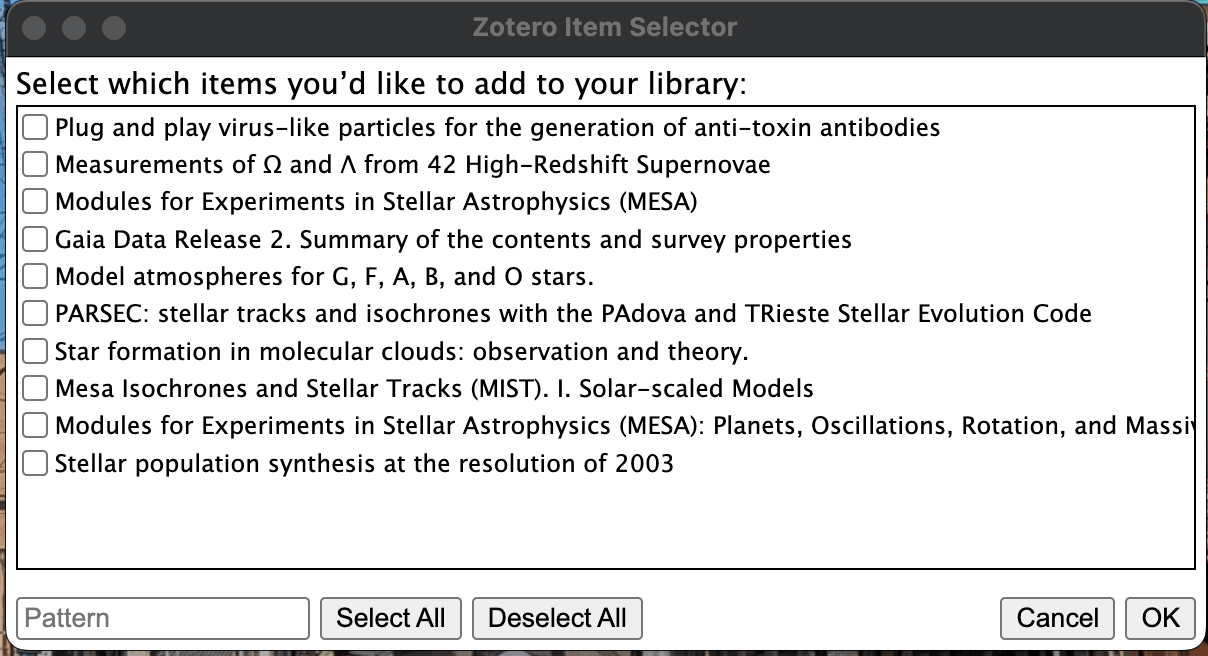
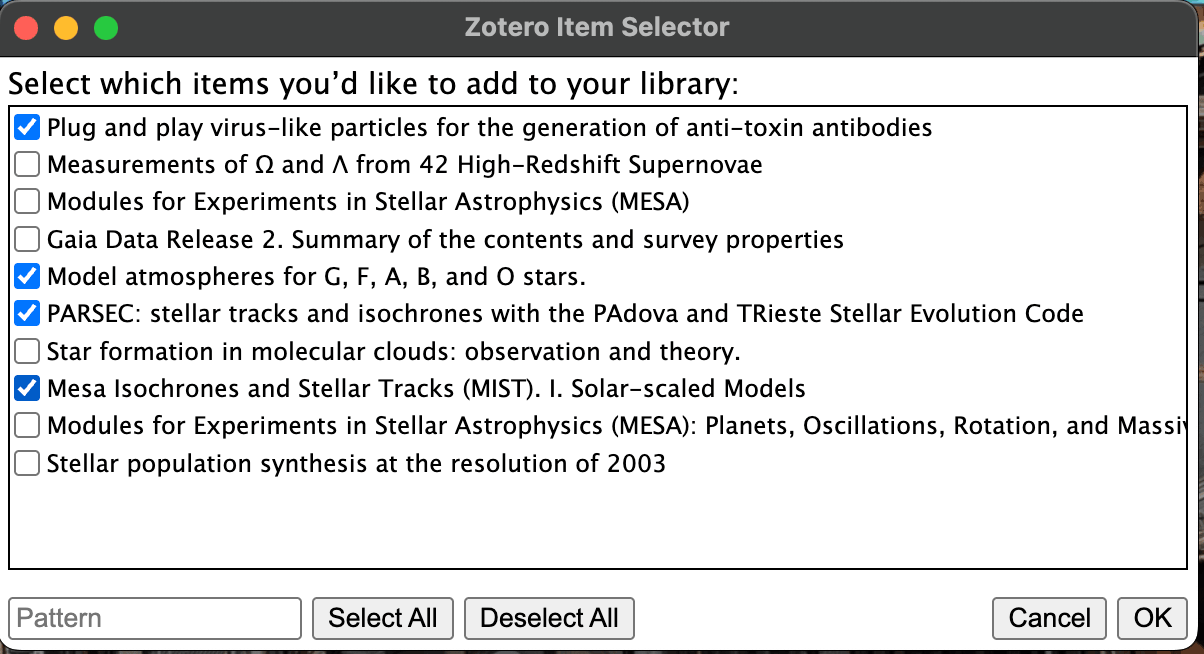
Select the papers to save from the list of papers, and click “OK”.
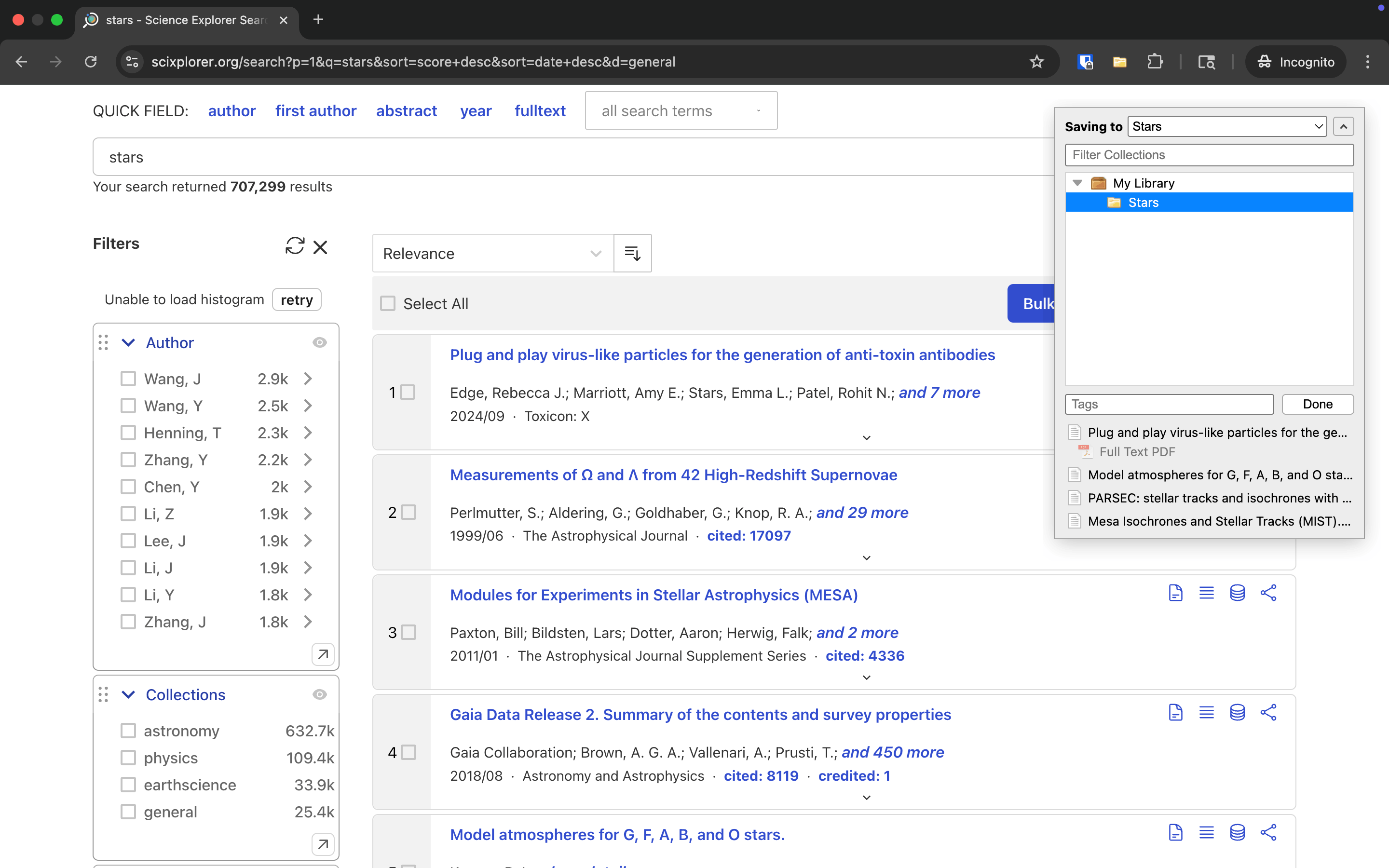
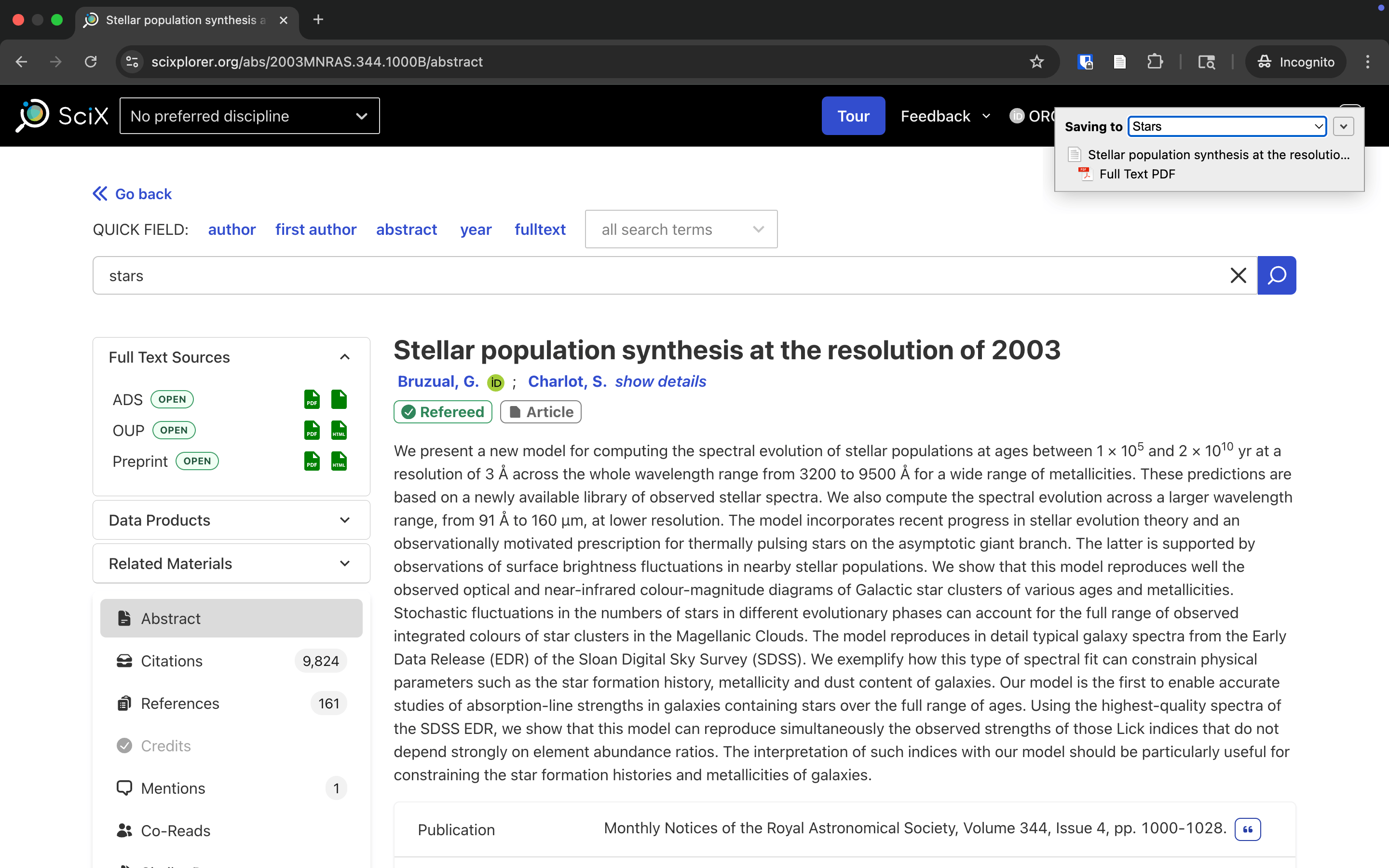
Go back to the browser, select the collection to save to in the Zotero extension dialog box and click done.
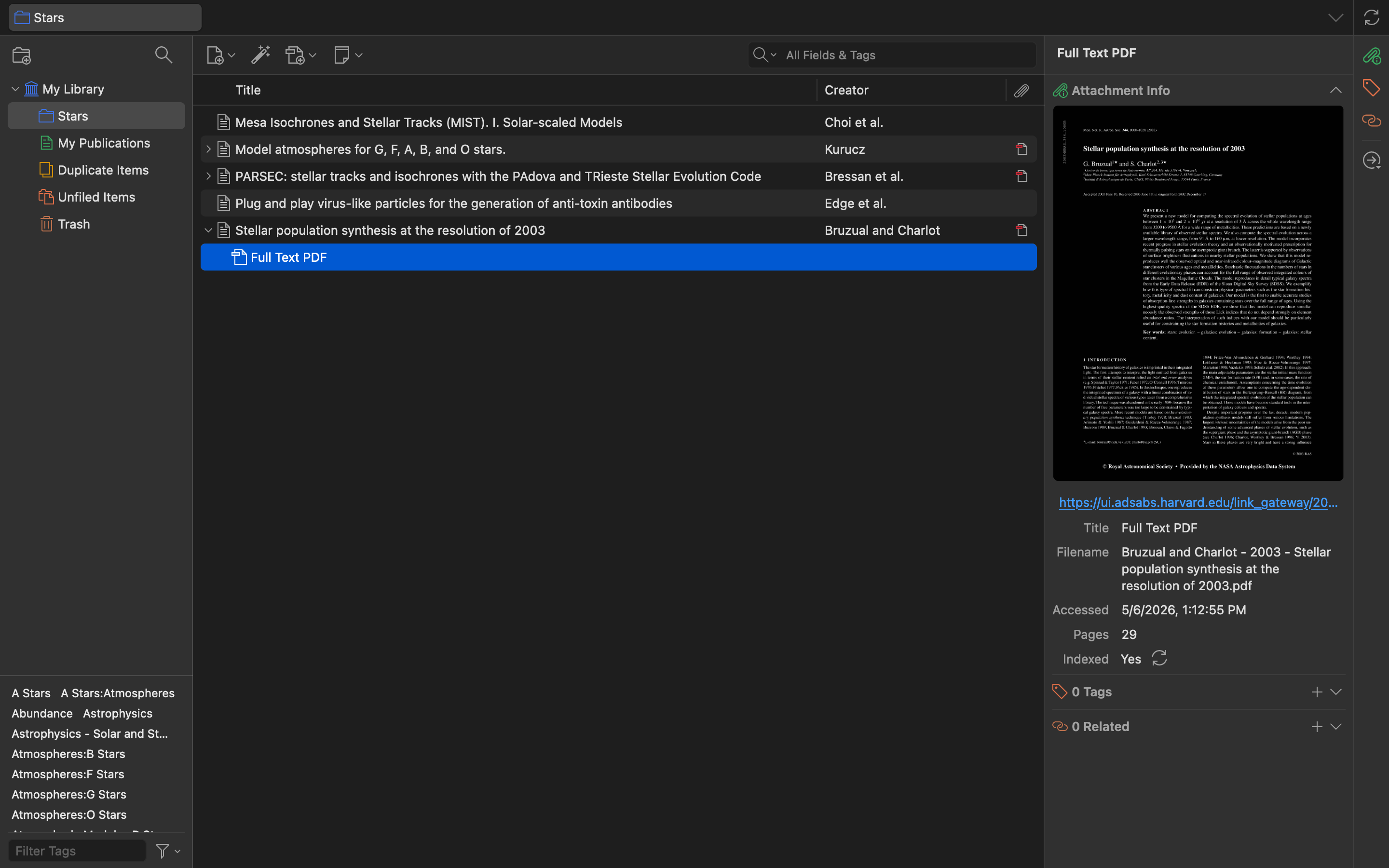
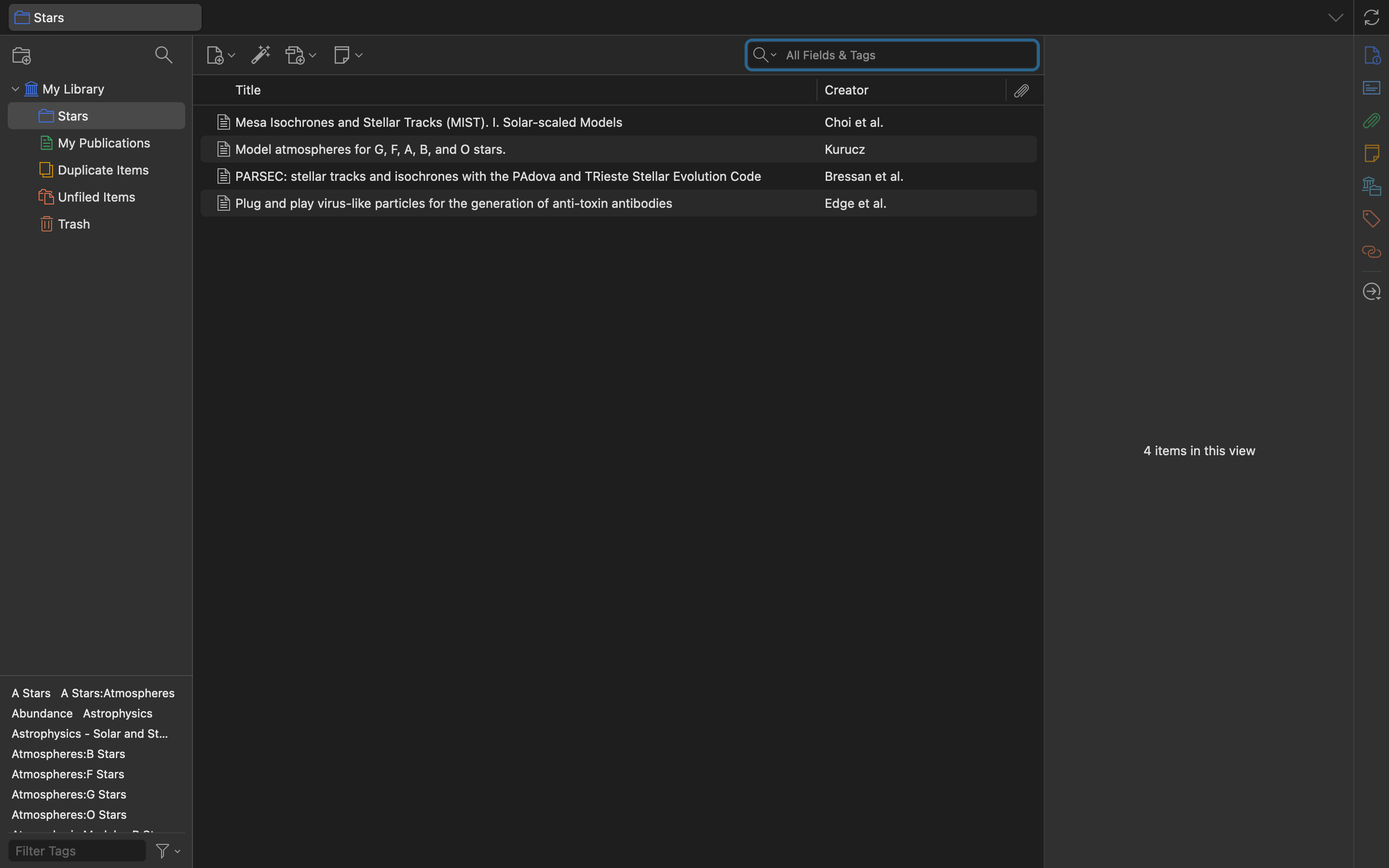
See the imported papers in Zotero app.
How to save an abstract to your collection
From the abstract page, click the Zotero extension.
Select the collection to save to.
See the imported abstract in the Zotero app.