 Science Explorer

You do not need an account for most SciX functions. However, you will need an account to
- Receive notifications of new items that match a query of interest to you
- Create or maintain specialized subsets of items, “libraries”, of interest to you
- Access restricted publisher sites to which your institution subscribes via their “library link server”
- Use the API
In addition, having an account facilitates your claiming papers with ORCiD and allows you to customize your search and export preferences.
ADS users should log into the SciX website using their current ADS account credentials; your existing notifications, libraries, and settings will be available to you in SciX as well.
SciX users should create an account.
Logging In to Account
ADS Account Holder

ADS users should log into the SciX website using their current ADS account credentials.
Access the account login screen by selecting “Login” from the “Account” dropdown menu, which is in the upper right on the header of every SciX page.
Enter the email address and password you used when you set-up that account. Then, click “Submit.”
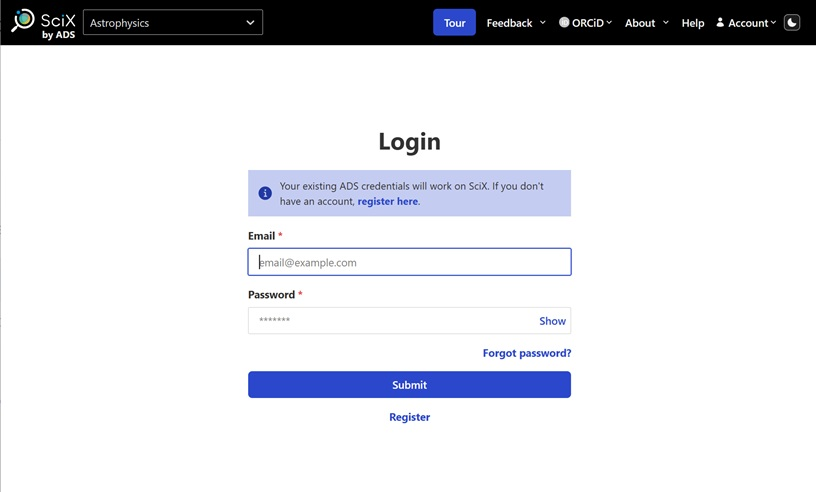
Once you are logged in, your existing notifications, libraries, settings, library link server, and API token will be available to you in SciX. In addition, you will have access to some new search and export preferences.
You should remain logged in on your current computer unless you log out.
If necessary, the “Forgot password?” link can help you recover access to your account.
SciX Account Holder

Access the account login screen by selecting “Login” from the “Account” dropdown menu, which is in the upper right on the header of every SciX page.
You must already have established a SciX account. If not, click Register to establish one.
Enter the email address and password you used when you set-up the account. Then, click “Submit.”
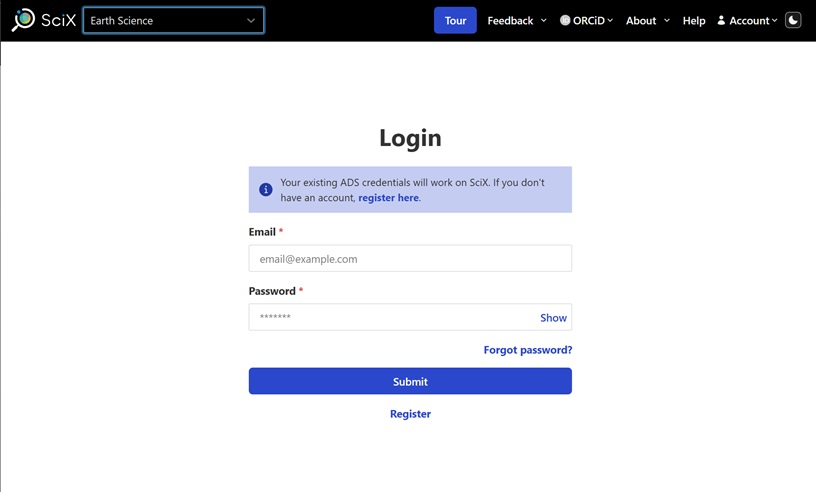
Once you are logged in, you will have access to your notifications, libraries, settings, library link server, and API token.
You should remain logged in on your current computer unless you log out.
If necessary, the “Forgot password?” link can help you recover access to your account.
Signup for Account
ADS Account Holder
ADS users do not need to create a new account. Log into SciX using your current ADS account credentials (see ADS Account Holder above).
No Previous Account

You do not need an account for most SciX functions. You do need one for a few personalized features.
Access the account signup screen by selecting “Signup” from the “Account” dropdown menu, which is in the upper right on the header of every SciX page.
Enter your name, the email address at which you would like to receive notifications to new items related to your queries, and an eight-character (minimum) password.
You will enter your password twice to confirm it. It should also contain at least one each of the following: uppercase letter, lowercase letter, and number.
Then, click submit.
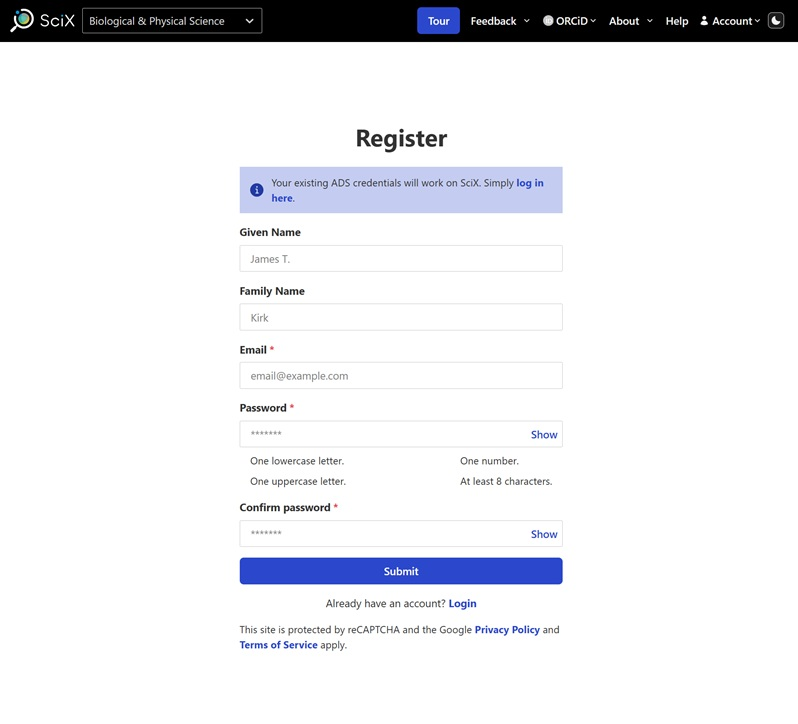
You should receive a message indicating that the system has successfully created your account and directing you to check your email.
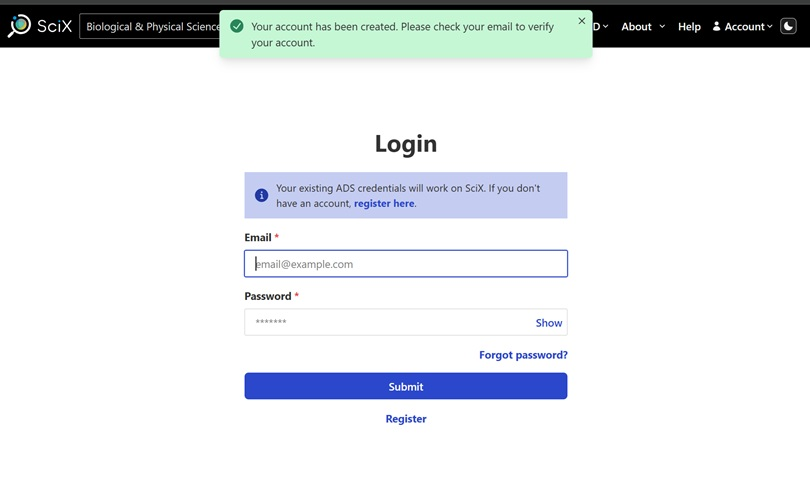
You will not be able to login until you receive and respond to the verification email. The email will contain a login link. Follow that link to login for the first time using the credentials you just choose. The link in the verification email is only valid for 24 hours.
Once you have logged in for the first time, your account is successfully established. You can now create notifications, libraries, and an API token plus you can further customize your experience with additional preferences, including a library link server.
You should remain logged in on your current computer unless you log out.